










Data Act
Information on Regulation (EU) 2023/2854 (Data Act)
Chapter 1 — Introduction, Purpose and Definitions
1. Purpose of this document
This document is intended to provide pre-contractual information to users of connected products in accordance with Article 3(2) of Regulation (EU) 2023/2854 of the European Parliament and of the Council of 13 December 2023 on harmonised rules on fair access to and use of data (Data Act).
The purpose of this document is to provide general information regarding:
· the types of data generated by the use of devices manufactured or placed on the market by elem6 s.r.o.,
· the manner in which such data may be stored,
· the manner in which such data may be accessed or made available to users, and
· the rights of users in relation to such data.
This document provides general information only. The availability of specific data and functionalities may vary depending on the product model, configuration, and the digital services associated with the product.
2. Identification of the manufacturer
The manufacturer of the products covered by this document is:
elem6 s.r.o.
Braškovská 308/15
161 00 Prague 6
Czech Republic
Company ID: 24232335
3. Definition of the user
For the purposes of this document, the term user shall have the meaning set out in Regulation (EU) 2023/2854 (Data Act), namely a natural or legal person that:
· owns a connected product, or
· has been contractually granted temporary rights to use a connected product, or
· receives related digital services associated with such connected product.
4. Definition of a connected product
For the purposes of this document, a device (hereinafter referred to as the product) shall be considered a connected product within the meaning of Regulation (EU) 2023/2854 (Data Act) only where, during its normal use, data generated by the use of the product are systematically made available through a digital service or interface operated by the manufacturer or by an authorised entity acting on behalf of the manufacturer.
Such digital services may include, in particular:
· server-based services,
· cloud services,
· user accounts enabling access to data,
· or other digital infrastructures enabling data generated by the use of the product to be made available to the user.
The mere existence of local connectivity (for example Bluetooth or local WiFi communication used solely for local control or display purposes) does not in itself constitute making data available within the meaning of the Data Act.
5. Scope of application
This information applies to products placed on the market in the European Union by elem6 s.r.o. that generate data through their use and make such data available to users through a mobile application, digital service, or other digital interface operated by or on behalf of the manufacturer.
This document does not apply to products that generate data solely for local use where such data are neither made available through a digital service nor processed or stored outside the user’s device.
Chapter 2 — Devices with Their Own Internet Connection
1. Scope of this category
This category includes connected products equipped with their own internet connectivity, in particular devices capable of transmitting data through mobile networks or other internet-based communication technologies.
Typical examples include:
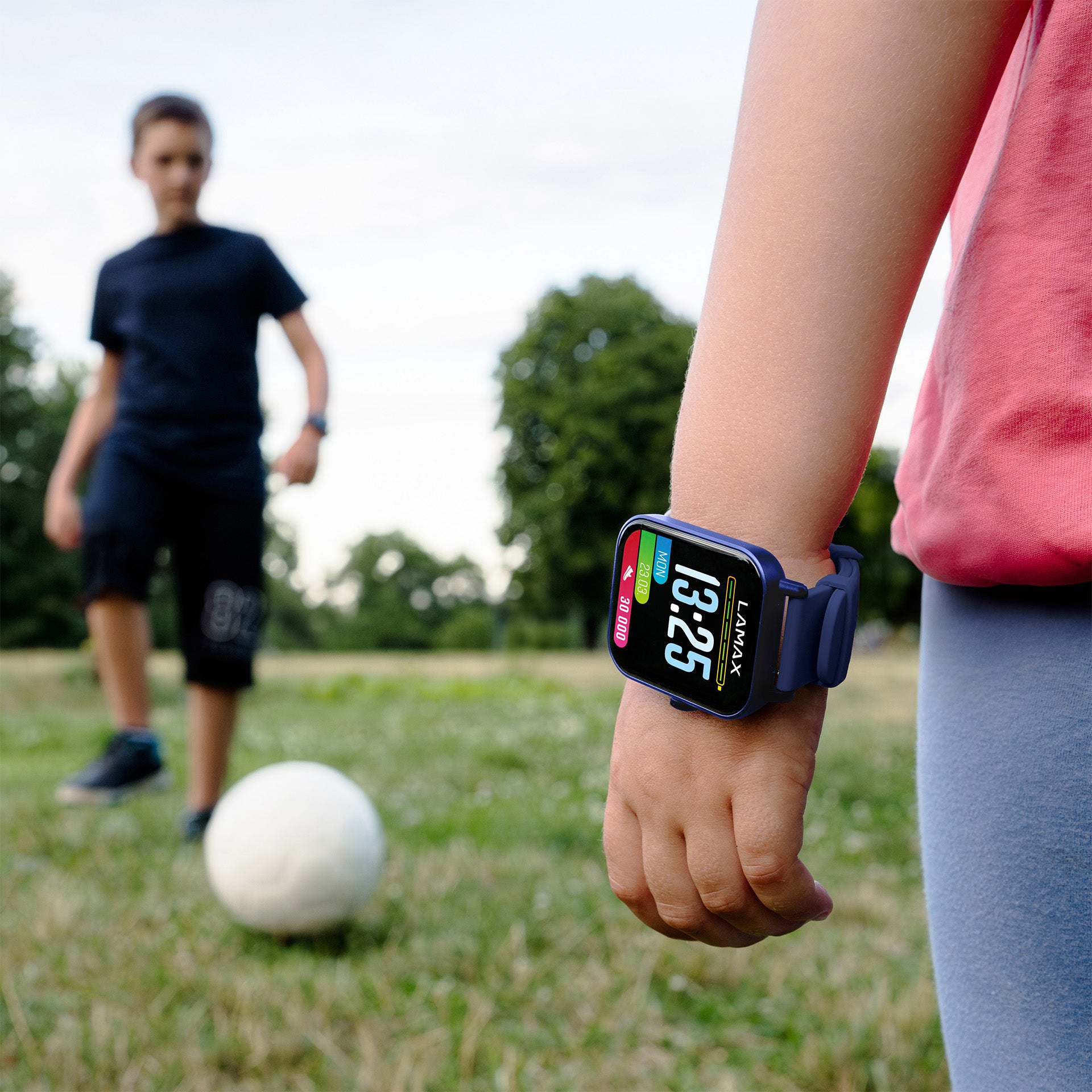
· children’s smart watches,
· GPS trackers,
· and similar devices enabling remote monitoring or communication through digital services.
2. Types of data generated
Depending on the product type and configuration, the following categories of data may be generated through the use of the product:
· geolocation data (e.g. GPS position),
· communication data (e.g. voice communication or text messages where applicable),
· physical activity data (e.g. step count or similar activity indicators),
· operational and diagnostic data (e.g. firmware version, connectivity status, device performance information).
The scope of generated data may vary depending on the specific product model and user settings.
3. Data format
Data generated by the use of the product may be made available in a commonly used, structured and machine-readable format enabling further use, where applicable and where such data are made available through a digital service.
4. Data volume
The volume of data generated by these devices depends on the intensity and manner of use. In typical operation, devices in this category may generate a continuous stream of data, for example in the case of real-time location tracking or ongoing communication functions.
5. Data recording interval
Devices in this category may generate and transmit data continuously or at regular intervals during operation, depending on device configuration and availability of network connectivity.
Data transmission may be affected by external circumstances, including but not limited to mobile network coverage or temporary loss of connectivity.
6. Data storage
Data generated by the use of the product may be stored:
· locally within the device (for example call logs, temporary records or locally stored content), and/or
· within digital services operated by or on behalf of the manufacturer, where such services are used to enable functionality such as displaying historical data or device activity.
The retention period of data stored within digital services may vary depending on the type of data and the applicable terms of the relevant digital service.
7. Access to data
Users may access data made available to them through a mobile application or other digital interface associated with the product.
Access to such data may require user authentication through login credentials created during activation of the relevant digital service.
8. Deletion of data
Where data are stored within a digital service, users may request deletion of such data in accordance with applicable contractual terms and applicable legislation, including data protection legislation where personal data are concerned.
Deletion of data may result in irreversible removal of such data from the relevant digital service.
9. Data sharing
Where applicable, users may request that data made available to them be shared with a third party. Data may be provided in a commonly used, structured and machine-readable format, where technically feasible and where such functionality is supported by the relevant digital service.
Chapter 3 — Devices with Bluetooth Connection and Mobile Application
1. Scope of this category
This category includes connected products that communicate primarily through Bluetooth or similar short-range communication technologies and are used in conjunction with a mobile application.
Typical examples include:
· smart scales,
· thermometers,
· blood pressure monitors,
· fitness trackers,
· and similar devices generating measurement or activity data.
2. Types of data generated
Depending on the product type and configuration, the following categories of data may be generated through the use of the product:
· physiological or measurement data (e.g. body weight, body temperature, blood pressure, heart rate),
· activity-related data where applicable,
· operational and diagnostic data (e.g. firmware version, connectivity status),
· device operational data necessary for proper functioning of the product.
The exact scope of generated data depends on the specific product model and user settings.
3. Data format
Data generated by the use of the product may be made available in a commonly used, structured and machine-readable format where such data are made available through a mobile application or associated digital service.
4. Data volume
The volume of data generated by devices in this category is typically low, as the devices produce individual measurement records rather than continuous data streams.
In typical operation, individual data records are small in size and generated only during active use of the product.
5. Data recording interval
Devices in this category generate data only when actively used by the user, for example during a measurement or activity recording.
Data are subsequently transferred to the mobile application when a connection between the device and the user’s mobile device is established.
Where applicable, data may subsequently be made available through a digital service if such functionality is enabled by the user.
6. Data storage
Data generated by the use of the product are typically stored primarily within the user’s mobile application, which serves as the primary storage location for measurement history.
Devices themselves usually contain only temporary memory required for storing recent measurements prior to synchronisation.
Unless explicitly enabled by the user, data are not transmitted to or stored on remote servers.
Where cloud-based services are available and activated by the user, data may additionally be stored within digital services operated by or on behalf of the manufacturer in accordance with the applicable terms of use.
7. Access to data
Users may access data made available to them through the mobile application associated with the product, where measured values and historical data may be displayed.
Access may require user authentication where a user account is used.
8. Deletion of data
Where applicable, users may delete data stored within the mobile application or request deletion of data stored within digital services in accordance with applicable contractual terms and data protection legislation.
9. Data sharing
Where supported by the relevant product or digital service, users may request export or sharing of data made available to them with third parties in a commonly used and machine-readable format.
Chapter 4 — Devices Connected to a Home WiFi Network
1. Scope of this category
This category includes connected products that are connected to a local or home WiFi network and are typically controlled or monitored through a mobile application.
Typical examples include:
· baby monitors,
· air purifiers,
· humidifiers and diffusers,
· and similar devices enabling remote monitoring or control through a digital interface.
2. Types of data generated
Depending on the product type and configuration, the following categories of data may be generated through the use of the product:
· real-time audio and video transmission data, where applicable,
· locally measured environmental data (e.g. temperature, humidity or air quality values),
· operational and diagnostic data (e.g. firmware version, connectivity status),
· device operational data necessary for proper functioning of the product.
The scope of generated data depends on the specific product model and user configuration.
3. Data format
Audio and video data are typically transmitted in streaming form in real time. Diagnostic or operational data generated by the device may be made available in a commonly used, structured and machine-readable format where applicable.
4. Data volume
Where audio or video transmission is involved, the volume of generated data may be significantly higher compared to other device categories, as data are transmitted continuously during active use.
Other generated data, such as environmental measurements or diagnostic data, are typically small in volume.
5. Data recording interval
Devices in this category generate data during active use, for example while video streaming is active, device functions are being configured, or monitoring functions are enabled.
Data transmission typically occurs in real time once a connection between the device and the mobile application is established.
6. Data storage
In typical configurations, audio and video data are not permanently stored within digital services and are transmitted only as a real-time stream between the device and the user’s mobile application.
Where specific functionalities allow recording or storage, such storage may occur locally on the user’s device or within optional digital services, depending on product configuration and user settings.
7. Access to data
Users may access data made available to them through the mobile application associated with the product.
Access may require authentication through a user account where digital services are used to enable remote access.
8. Deletion of data
Where data are not permanently stored within digital services, deletion is not applicable.
Where optional storage functionalities are enabled, deletion may be performed by the user or requested in accordance with applicable contractual terms and data protection legislation.
9. Data sharing
Where supported by the relevant product or application, recordings or device access may be shared directly by the user through application functionalities.
Chapter 5 — Data Protection
All data generated by the use of the products described in this document are processed and transmitted using appropriate technical and organisational measures designed to ensure an adequate level of security.
Data transmission between devices, mobile applications and digital services is performed using secure communication protocols, including encrypted communication where applicable.
Access to digital services and mobile applications may be protected by authentication mechanisms such as user accounts and passwords.
Data generated by the use of the product are not made available to third parties without the user’s consent, unless such disclosure is required by applicable legislation or necessary for the provision of the requested digital service.
The processing of personal data, where applicable, is governed by Regulation (EU) 2016/679 (General Data Protection Regulation — GDPR) and related applicable legislation.
Chapter 6 — User Rights under the Data Act
In accordance with Regulation (EU) 2023/2854 (Data Act), users may have the right, where applicable:
· to access data generated by the use of their connected product that are made available to them through a digital service,
· to receive such data free of charge in a commonly used, structured and machine-readable format,
· to request that such data be made available to a third party designated by the user, where technically feasible and in accordance with applicable legislation,
· to receive clear information regarding the categories of data generated and the purposes for which such data are used.
The availability and scope of these rights may depend on the specific product, its configuration, and the digital services associated with the product.
Chapter 7 — Contact Details
For requests concerning access to data, data sharing, or other matters related to data generated by the use of connected products, users may contact via email: info@elem6.com
elem6 s.r.o. 11.9.2025