



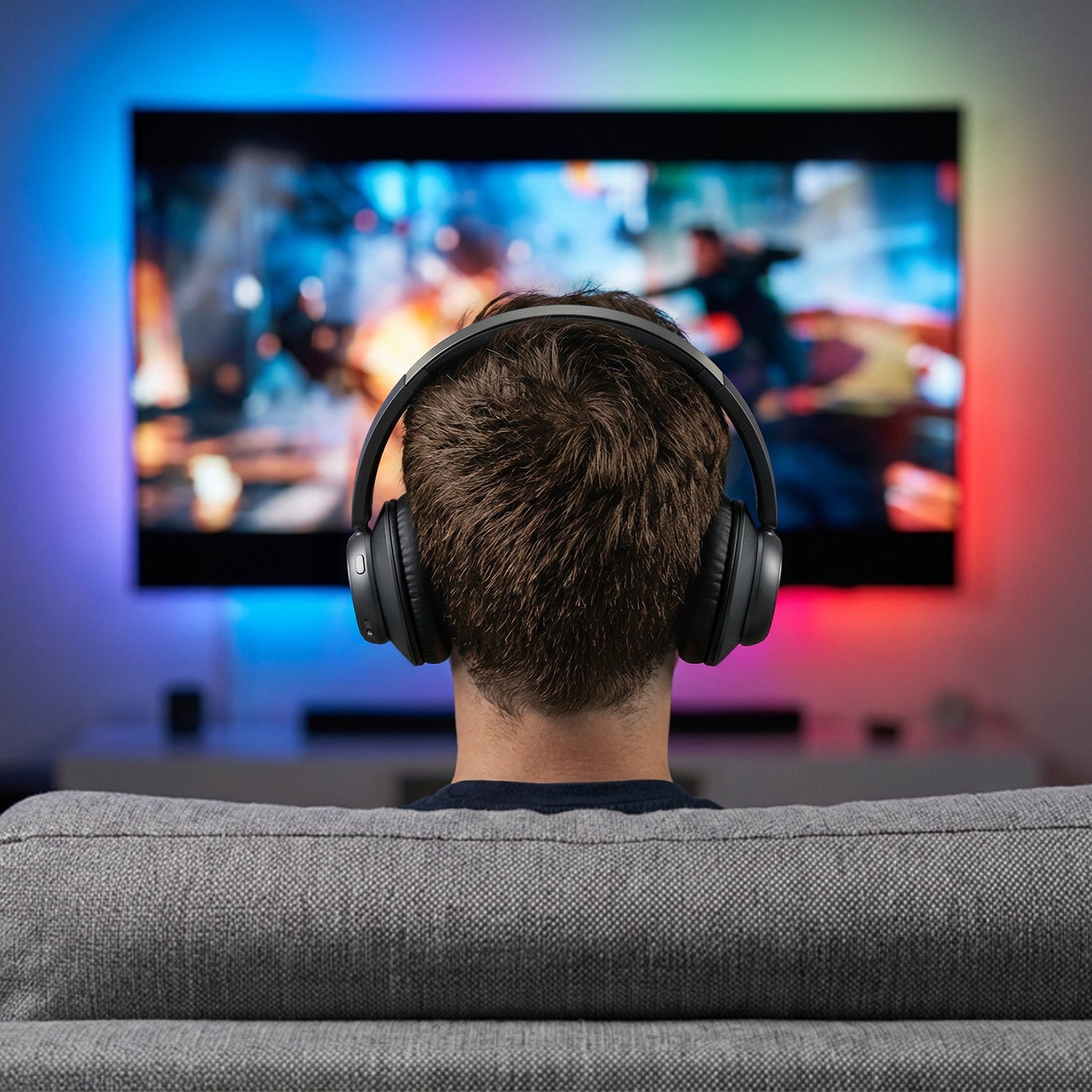
Az az érzés, amikor a gyerekek alszanak, és te alig várod, hogy megnézhesd a filmet. De a lelkesedésed csak addig tart, amíg rá nem jössz, hogy nem érted a párbeszédeket, és a hangos hanggal felébreszted az egész családot. A megoldás a tévéhez való fejhallgató. Ezzel egyúttal azt is megoldod, ha a hang lemarad a képtől.
Hogyan nézz tévét csendben anélkül, hogy felébresztenéd bárkit is
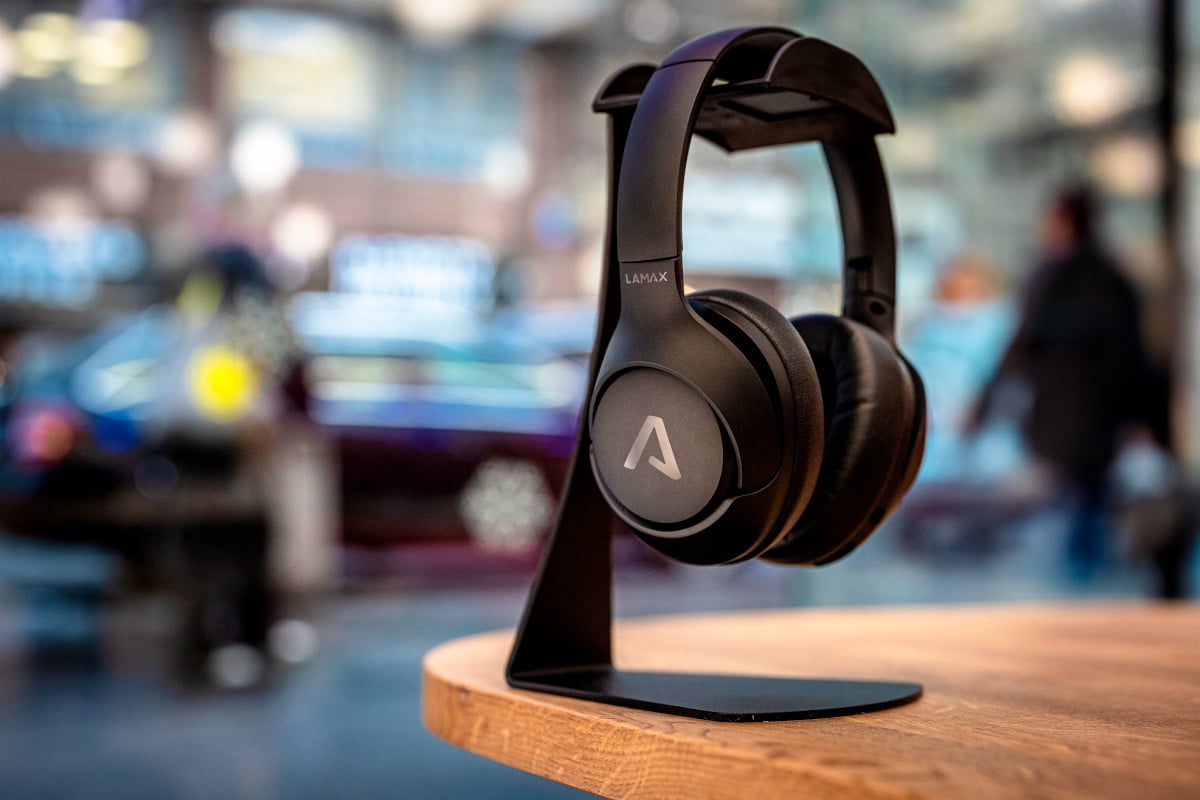
Mondjuk ki: ez egy olyan küzdelem, amit nem nyerhetsz meg. Vagy annyira lehalkítod a tévét, hogy a halk párbeszéd teljesen elvész, vagy teljes hangerőre tekered, és felébreszted az egész lakást. A tévéhez való fejhallgató véget vet ennek a küzdelemnek: a hangerőt te magad szabályozod, és ez senkit sem érint a környezetedben. Például a LAMAX CineTune1 TV.

Miért késik a fejhallgatóban a hang a képhez képest, és hogyan lehet ezt kijavítani
Ez is nagyon idegesítő lehet. A színész kinyitja a száját, és a szó egy töredékmásodperccel később érkezik, így a film hirtelen úgy tűnik, mintha rosszul szinkronizálták volna. Nem csak veled történik ez, és nem is hiba, valójában teljesen normális jelenség.
A késleltetésnek két oka van. A vezeték nélküli adatátvitelnek mindig van egy kis késleltetése, és a tévé ehhez hozzáadja azt az időt, amire a kép feldolgozásához szüksége van.
Ezt általában pillanatok alatt meg lehet oldani. Válassz olyan fejhallgatót, amelyben a hang és a kép szinkronizálása már be van építve. Csatlakoztasd optikai kábellel, mivel ez biztosítja a leggyorsabb és legstabilabb adatátvitelt. A tévé beállításaiban állítsd be a hangkésleltetés csúszkáját – ezt márkánként kicsit másképp hívják, például AV-szinkronizálás vagy digitális kimeneti késleltetés. Ha pedig egyáltalán nincs hang, állítsd a digitális kimenetet PCM-re. Ez a legtöbb esetben megoldja a problémát.
Hogyan csatlakoztathatod a fejhallgatót a tévéhez, ha nincs jack-csatlakozója
Manapság szinte mindenki képes a csatlakoztatásra. Az újabb tévéket pár másodperc alatt párosíthatod Bluetooth-on keresztül, a régebbiekhez pedig optikai kábelt, jack csatlakozót vagy RCA-t használhatsz. Ha pedig olyan modern modelled van, amely csak HDMI-vel rendelkezik és nincs hangkimenete, akkor segíthet egy kis adó, amelyet az optikai kábelhez vagy az HDMI ARC-hez csatlakoztatsz. Röviden: szinte minden tévéhez létezik megoldás.

Mit érdemes figyelni a fejhallgatók kiválasztásánál a hosszú estékre
Egy egész estés maraton során három dolgot fogsz értékelni.
Az akkumulátor-élettartamot, hogy semmi ne állítson meg egy izgalmas jelenet közepén – a legtartósabb fejhallgatók esetében akár több mint harminc óra is lehetséges egy feltöltéssel.
Önálló töltés: csak leteszed őket a töltőállványra, és másnap este már készen állnak, nem kell kábelt keresned.
És a kényelem: a puha fülpárnák és a kis súly döntik el, hogy két óra után nem kezd-e zavarni a füleiden érzett nyomás.
Gyakran feltett kérdések
Hogyan nézhetek tévét éjszaka anélkül, hogy zavarnám a többieket? A legegyszerűbb, ha felveszel egy vezeték nélküli fejhallgatót a tévéhez, és a hangerőt csak magadnak állítod be. Kikapcsolod a hangszórók hangját, és nem ébreszted fel a többieket, akármeddig nézed is.
Hogyan csatlakoztassam a fejhallgatót egy olyan tévéhez, amelynek nincs jack-csatlakozója? A jack-csatlakozóval nem rendelkező tévét optikai kimeneten vagy Bluetooth-on keresztül csatlakoztathatod. A kizárólag HDMI-vel rendelkező modern modellek esetében egy kis adót kell használnod, amelyet az optikai kimenetbe vagy az HDMI ARC-ba kell csatlakoztatni.
Miért késik a hang a fejhallgatóban a képhez képest, és hogyan lehet ezt kijavítani? A késés a vezeték nélküli átvitel késleltetése és a televízió által a kép feldolgozásához szükséges idő együttes hatásának eredménye. A legmegbízhatóbb módja a kiegyenlítésnek az optikai csatlakozás használata és a televízió beállításaiban található hangkésleltetési csúszka beállítása.
Mennyi ideig bírják a TV-fejhallgatók egy feltöltéssel? A modelltől függően általában körülbelül tíz órától felfelé bírják, a legtartósabbak akár több mint harminc órán át is lejátszanak, és a dokkolóállomáson maguktól feltöltődnek.
Használhatom ugyanazt a fejhallgatót telefonhoz vagy táblagéphez is? Igen, a Bluetooth-os vezeték nélküli TV-fejhallgatót ugyanúgy párosíthatod telefonhoz, táblagéphez vagy laptophoz, mint a tévéhez.
Egy este, ami csak a tiéd
A tévézéssel töltött este jutalomnak kell lennie, nem pedig kompromisszumnak a „nem hallasz semmit" és a „felébresztesz valakit" között. Akár filmet nézel, sorozatot pótolsz, vagy éjszakai mérkőzést követsz, egyszerre élvezheted a lakás nyugalmát és a cselekmény minden egyes szavát. A ház többi lakója pedig nyugodtan aludhat.

